
VIZOR 'Drummond' Release
Discover what's new for School IT Asset Management with the VIZOR 'Drummond' release
Discover what's new for School IT Asset Management with the VIZOR 'Drummond' release
Schedule a Demo
VIZOR Drummond : Keeping School Techs Focused on Technology Delivery, Not Admin
The VIZOR Drummond release introduces a redesigned device check in/check out experience, enhanced search, new customization options, and more than 70 additional improvements that help school tech teams stay focused on delivering, not managing, school technology.




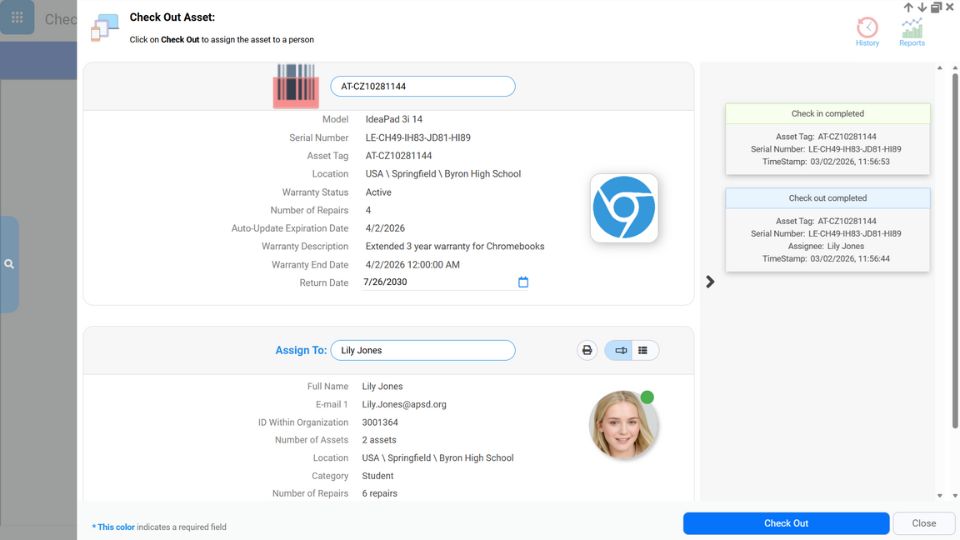
Redesigned Barcode Check‑in/out
The redesigned check‑in and check‑out process is now faster and more intuitive, with fewer clicks required. The new interface features an activity log that provides clear feedback on scanned devices. Real‑time validation now highlights issues such as devices that cannot be checked out because they are marked as lost or in repair. During check‑in, missing items such as chargers can now be recorded, and any repair symptoms can also be logged.
Summary List Improvements
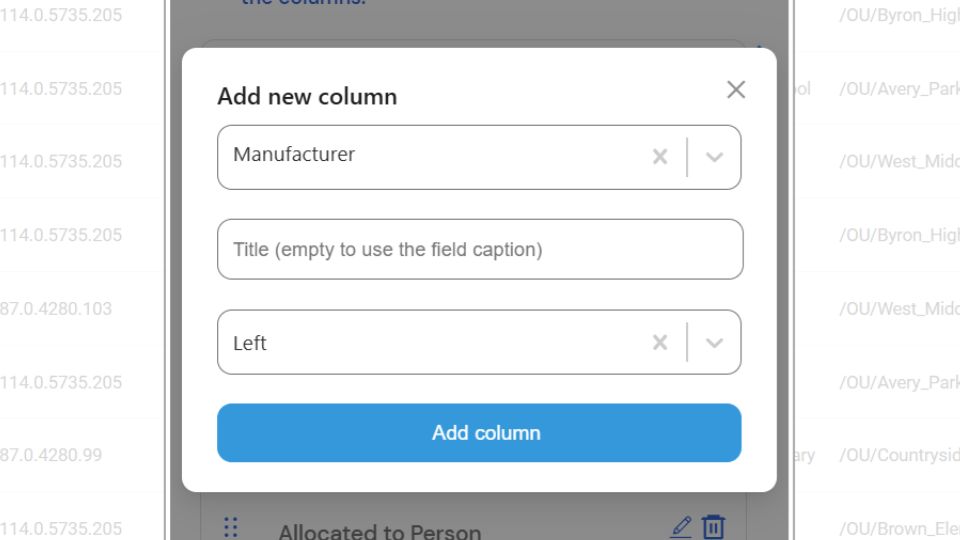
Users can now easily add, remove, or reorder columns in the summary list making it much easier to surface relevant information. This feature is particularly useful for quick ad hoc reporting needs where output can easily be exported to a spreadsheet. The summary list also now includes a visual cue to indicate how columns are being sorted and supports a one-click drilldown filter feature enabling easier data discoverability.
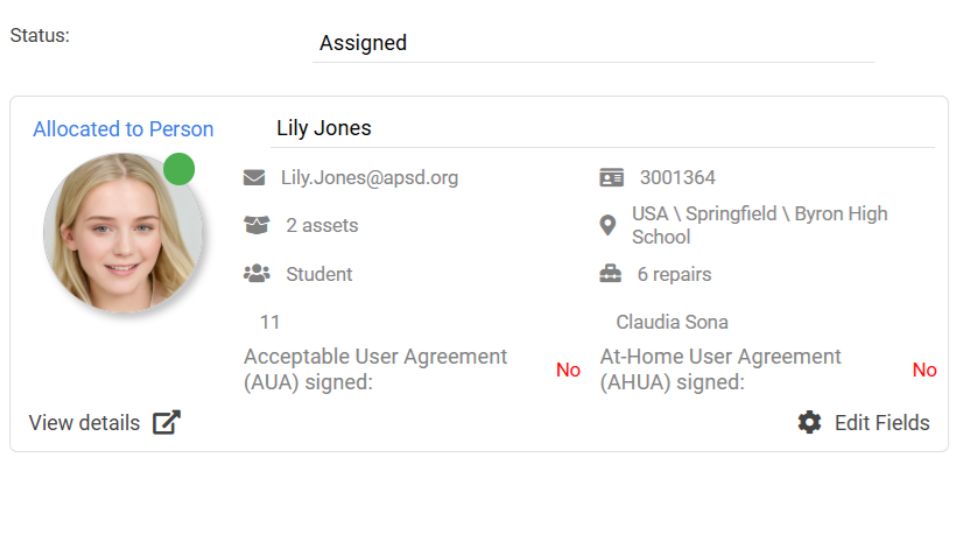
Customizable User Card
The new customizable User Card makes it easy to choose which user or student details appear in key views, including Check‑in/out, Assets, and HelpDesk tickets. IT teams can now surface the information most relevant to their workflow and school policies, such as the number of assigned assets, insurance status, or signed terms, selected from hundreds of available user related fields.
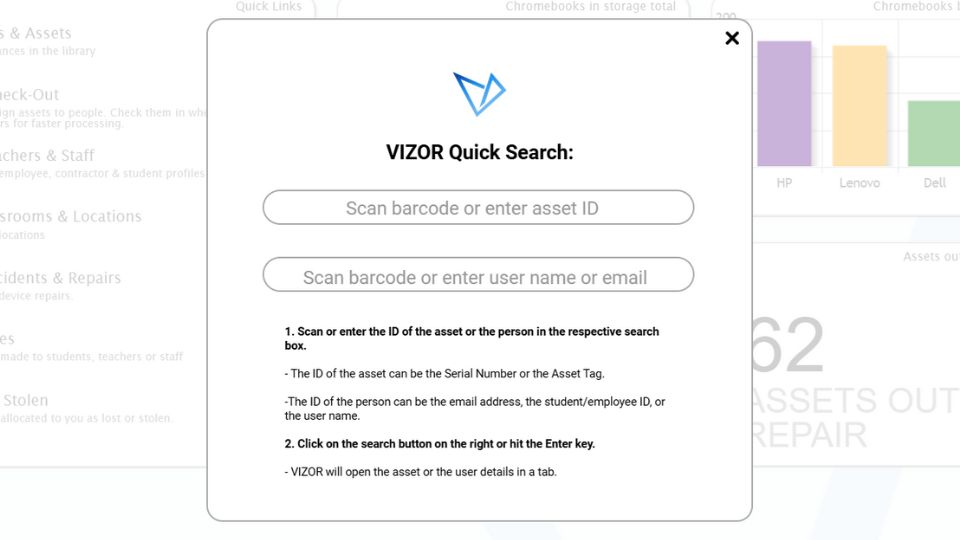
Quick Search and Extension
The new Quick Search provides IT teams and staff with instant search capability from anywhere in VIZOR. Users can quickly retrieve details for any asset or user by entering search criteria, such as serial number, asset tag, or student ID, either manually or via a barcode scanner. A companion VIZOR Quick Search Chrome extension extends this functionality directly into the Chrome web browser.
New Automations & Workflows
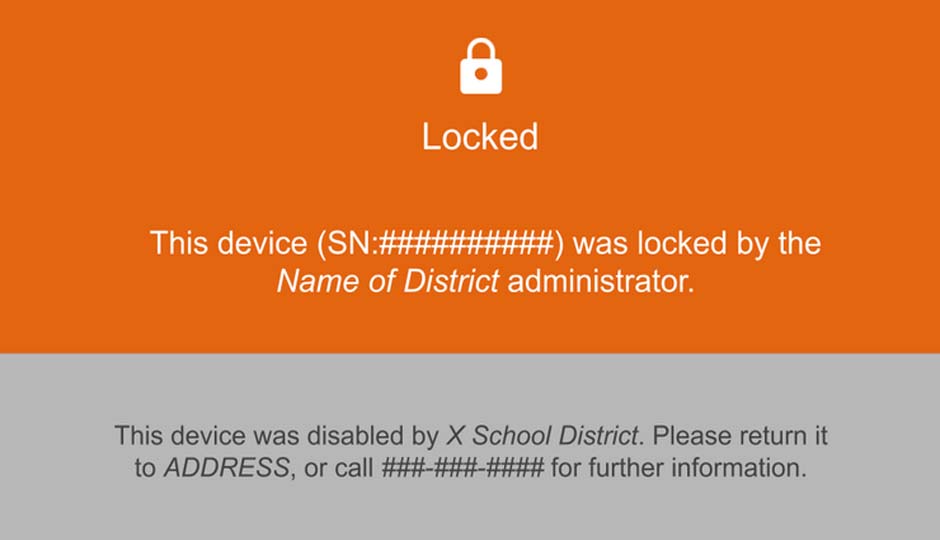
Many automations and workflows have been added, increasing efficiency and reducing workload. New asset management automations include disabling overdue loaner devices, setting condition based return dates, detecting Chromebooks for deprovisioning and enforcing repair statuses. Helpdesk automations can auto assign tickets based on staff skills, workload, or the person assigned to the next task.
Intelligent OU and IP Location Assignment
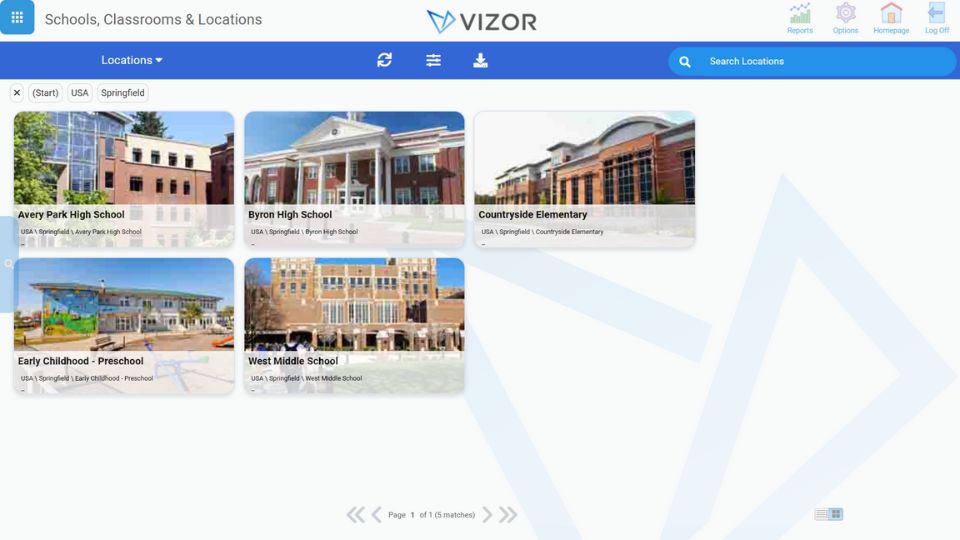
VIZOR now includes enhanced intelligence for assigning locations based on Organizational Units (OU) and IP addresses. User and asset locations can be set automatically using regular expressions mapping to your OU structure. Also, new rules allow asset locations to be automatically set based on IP address ranges.
Enhanced Cart Management
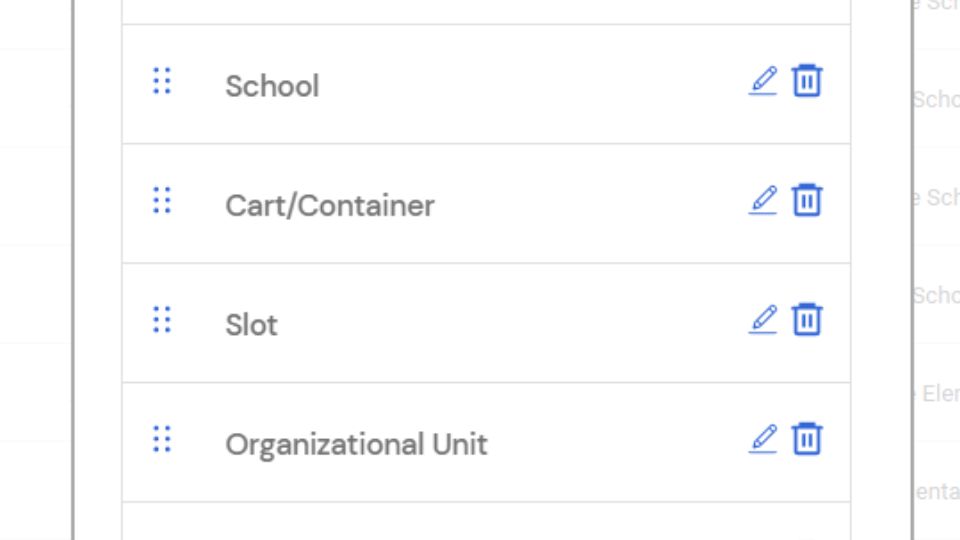
Multiple improvements have been introduced for managing devices in carts. A new cart slot field has been added for precise tracking with workflows that automatically update the slot record during device exchanges. An auto generated location can be created for each cart, and devices can be automatically moved to the OU associated with their assigned cart.
Remote Chromebook Reboot
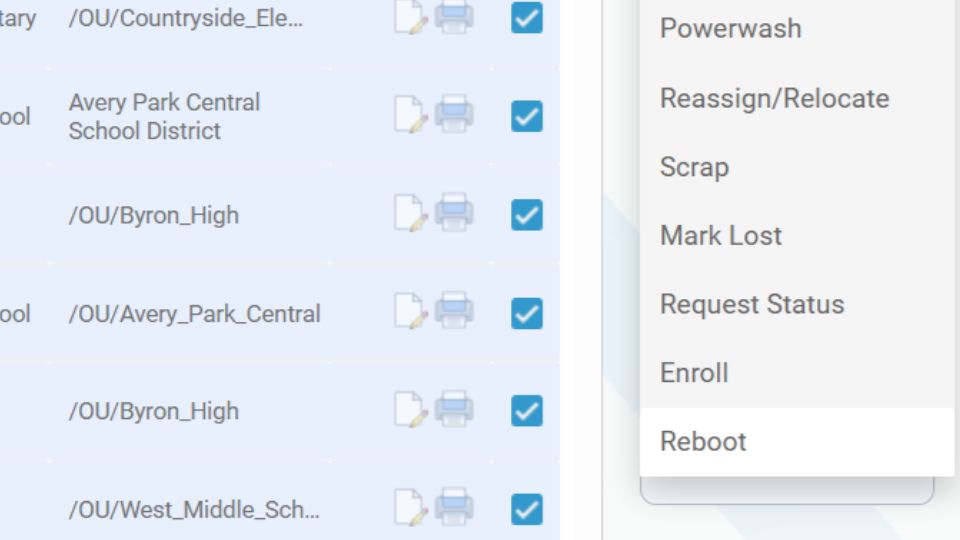
Authorized users can now reboot Chromebook devices directly from VIZOR, reducing the need for IT administrators to access the Google Admin console. This also allows administrators to delegate reboot functionality to individuals at specific schools without granting them access to the GAC.
Reporting Enhancements
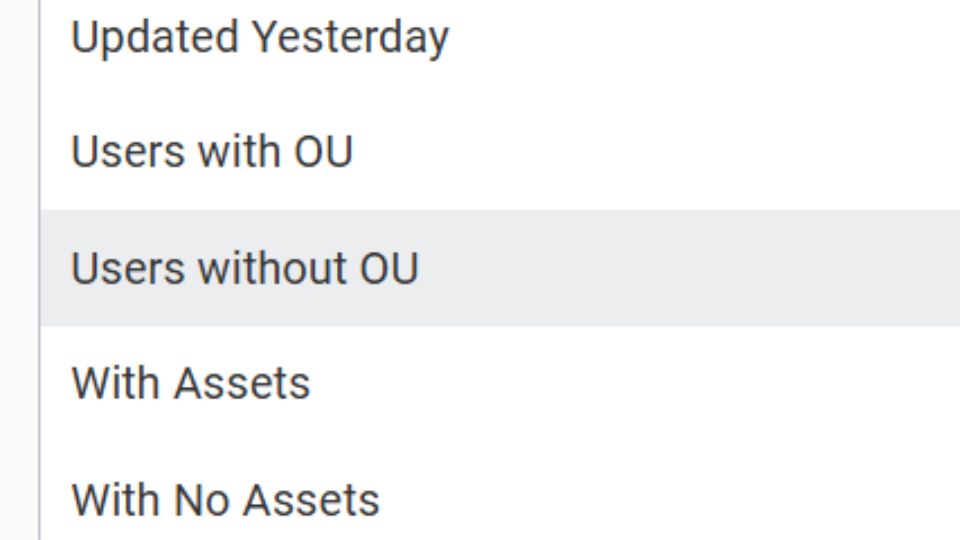
Reporting has been expanded with several new reports and queries, including Charges and Overdue Fines, Group Members Summary, Users with No Assets, Users with Multiple Chromebooks, Users with No OUs, Losses Timeline, and Assets per Location. CSV formatted versions of several key reports are now available, enabling spreadsheet manipulation and integration with external systems.
OneRoster Integration
VIZOR now supports the OneRoster standard, allowing schools to securely sync student information from their SIS or MIS. OneRoster is an open standard for seamless data exchange and is widely supported by SIS vendors. This integration provides another interoperability option ensuring accurate and up to date student information is available in VIZOR without requiring manual re-entry.

MySchoolBucks Integration
VIZOR now integrates with MySchoolBucks. Charges and fees with outstanding balances can be converted into fines for collection through MySchoolBucks. Payments made in MySchoolBucks are automatically applied to the corresponding charge in VIZOR, updating the remaining balance for that specific charge or fee.
Over 70 New Features and Improvements
VIZOR 'Drummond' is a major milestone release with over 70 new features. In addition to features highlighted, Drummond includes many new user interface, data import, integration, workflow automation and reporting improvements.
Ready to get started?
Schedule a short demo so we can discuss how VIZOR can help your School
Schedule Demo More about VIZORProduct expert, no pushy sales